AI Website Builders in 2026: Wix vs Framer vs Webflow vs Otack Pages for Small Business
For most small businesses, the best AI website builder is the one whose output you can edit, host, and move without friction. Wix suits owners who want everything in one place, Webflow suits teams that need design control and a real CMS, Framer suits design-led marketing sites, and Otack Pages suits businesses that care most about search and AI-answer visibility. Whichever you pick, the AI generator gives you a first draft, not a finished site.
The problem with "generate my site in 60 seconds"
A café owner types a prompt, gets a polished five-page site in minutes, and feels done. Two weeks later they are rewriting generic copy, deleting a team page full of invented staff, and discovering that no page has a proper title or description.
The generator was never the hard part. What happens after the draft is: how easily you can edit it, optimize it, and take it elsewhere. We haven't verified every vendor claim here. Features change often, so check each platform's official documentation and pricing page before you commit.
What "AI website builder" actually means in 2026
The label covers four different things. Some tools generate layout and copy from a prompt. Others put an AI assistant inside the editor to rewrite text or adjust sections. Some write blog and product content. A few offer AI-driven SEO suggestions.
The first is the flashiest and the least important. The others affect your day-to-day work. Whatever the tool produces, a human still has to check facts, claims, brand voice, opening hours, prices, and local details, because models fill gaps with plausible fiction.
Two terms worth defining: a CMS (content management system) is the part of a site where you create and organize repeating content such as blog posts or services. Structured data (schema markup) is code that labels a page's content, such as a business address or an FAQ, so machines can read it unambiguously.
The four platforms side by side
Disclosure: Otack Pages is our own product, so weigh our description accordingly. The table reflects our understanding of each platform's general positioning, not verified feature-by-feature or price-by-price data. Plans change, so confirm details on each vendor's official pricing page before deciding.
| Platform | Best for | AI and editing | CMS depth | Bookings / e-commerce | Honest limits |
|---|---|---|---|---|---|
| Wix | Owners wanting one all-in-one tool | Prompt-based site creation plus visual editor | Capable for typical small sites | Built-in options for both | Moving a site elsewhere is harder than on the others |
| Webflow | Teams needing design control and structured content | AI assists a visual, developer-style editor | Strong | E-commerce available; bookings usually via third-party tools | Steepest learning curve |
| Framer | Design-led marketing sites | Fast AI-assisted layouts, polished animation | Lighter than Webflow | Limited native support | Weaker fit for stores and complex content |
| Otack Pages | Businesses prioritizing search and AI-answer visibility | Generated pages built around SEO structure | Focused on content and landing pages | Not a full store or booking platform | Newer, narrower feature set than the established three |
SEO and generative engine optimization: what each platform gives you
All four can, in principle, produce fast pages, editable titles and descriptions, and sitemaps. The differences lie in how much control you get and how clean the output is. Check whether you can edit metadata per page, add schema, set canonical URLs, and control redirects.
Generative engine optimization (GEO) means being readable and citable by tools like ChatGPT, Perplexity, and Google AI Overviews. It is an emerging practice with no guaranteed tactics. Google states in its documentation on AI features in Search that the same fundamentals apply: helpful content, crawlability, and good page experience.
What plausibly helps is plain: clear headings, direct answers, accurate structured data, and real expertise on the page. No platform can promise a citation or a ranking, and we won't either.
Content workflows and portability: the cost nobody puts on the pricing page
Ask who owns your content and how it leaves. Some platforms export text and images but not layouts. Some let you export code, though dynamic CMS content may need separate handling. Check each vendor's export documentation before you build, not after.
AI content carries a hidden labor cost: editing, fact-checking, and quality control against Google's guidance on helpful, people-first content, which includes experience and expertise. A cheap platform that traps your content can become the expensive one when you migrate in two years. Migration usually means rebuilding templates, mapping URLs, and setting 301 redirects (permanent forwards from old addresses to new ones) to protect existing search visibility.
Matching the platform to the business
- Local service business: Wix for simplicity, or Otack Pages if organic search is the main lead source.
- Restaurant or salon needing bookings: Wix, thanks to its built-in tools.
- Small online shop: Wix or Webflow. A dedicated store platform may serve you better than any of the four.
- Consultant or agency portfolio: Framer for presentation, Webflow if you also publish a lot of content.
- Content-heavy, search-dependent site: Webflow or Otack Pages. WordPress is also a legitimate choice here.
What to do this week
- List what you need: pages, bookings, a store, a blog.
- Run the same prompt through two shortlisted builders and time how long each draft takes to fix.
- Check each platform's export options and SEO controls: metadata, schema, redirects.
- Confirm current pricing, including AI add-ons, on the official pricing pages and note the date.
- Assign a human to review every piece of AI-generated copy before publishing.
Questions readers ask
Can an AI website builder replace a web designer?
For a simple brochure site, often yes, with careful editing. For custom functionality, complex branding, or accessibility audits, you still need professional judgment.
Will my site appear in ChatGPT, Perplexity, or AI Overviews?
No platform can guarantee it. Clear structure, accurate information, and crawlable pages improve your odds, but inclusion depends on the AI system and your competition.
Can I move my site later without losing SEO?
Usually, if you keep URLs identical or set 301 redirects and migrate metadata. Platform-specific layouts rarely transfer, so expect to rebuild the design.
The practical implication: choose the platform you can leave, not just the one that impresses you on day one.
Sources
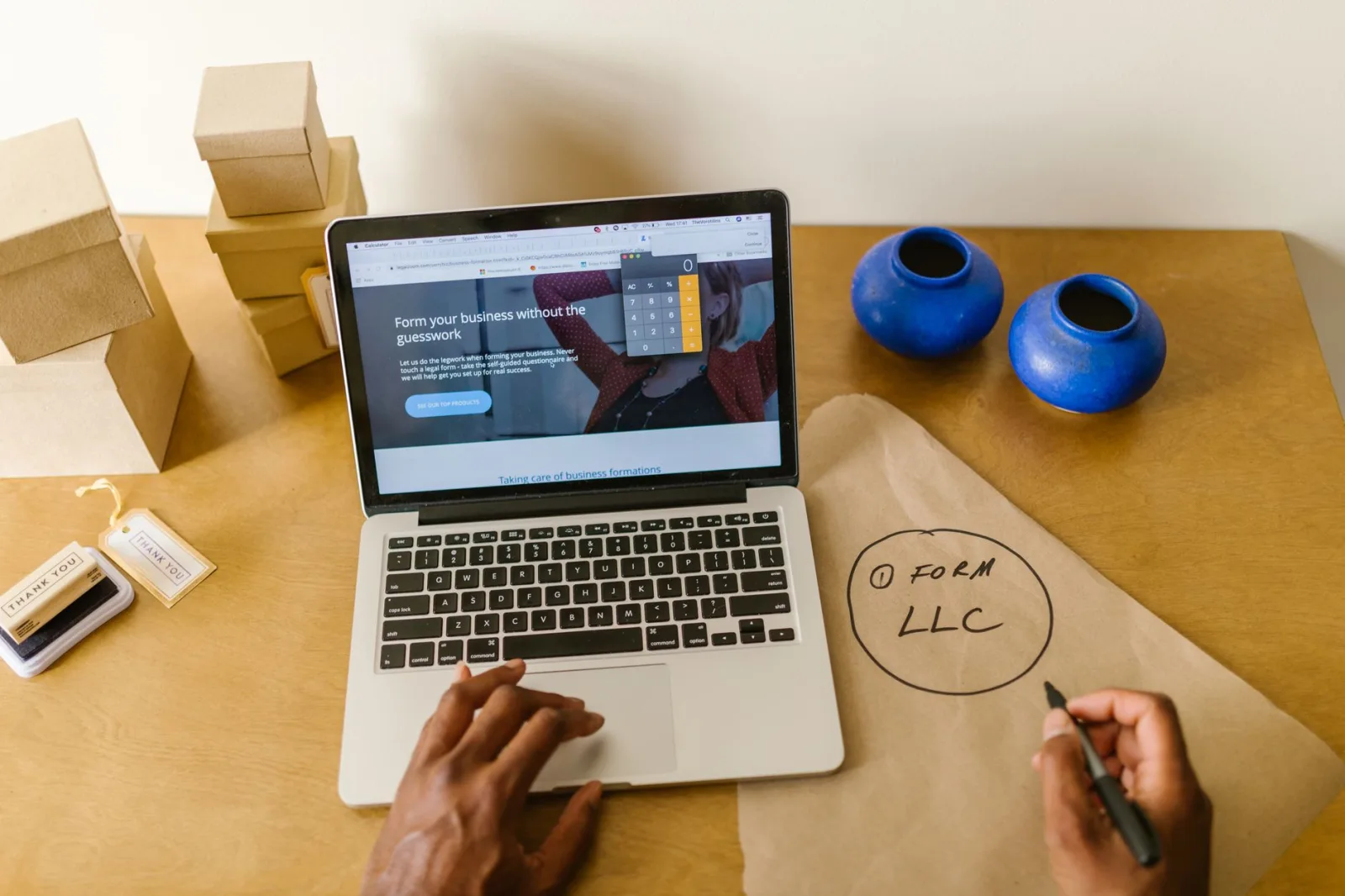
Photo: RDNE Stock project / Pexels
This article was produced with the same Post Pilot workflow we sell: researched and drafted automatically, scored by an editorial pass, and reviewed before publication.